Thinqloud AdminSalesforce Technology

Einstein bots are powered by Salesforce’s very own AI – Einstein and you can build these Bots without writing even a single line of code.
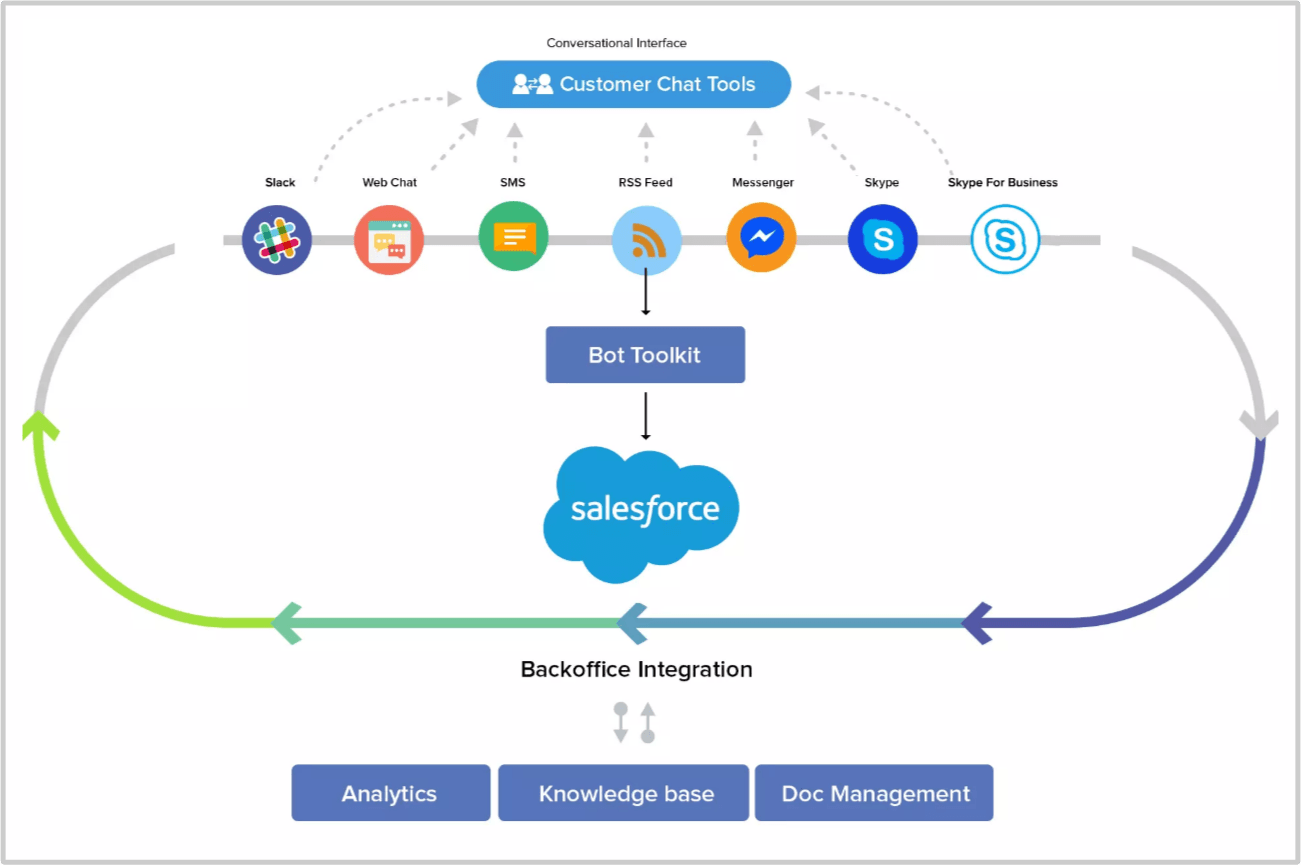
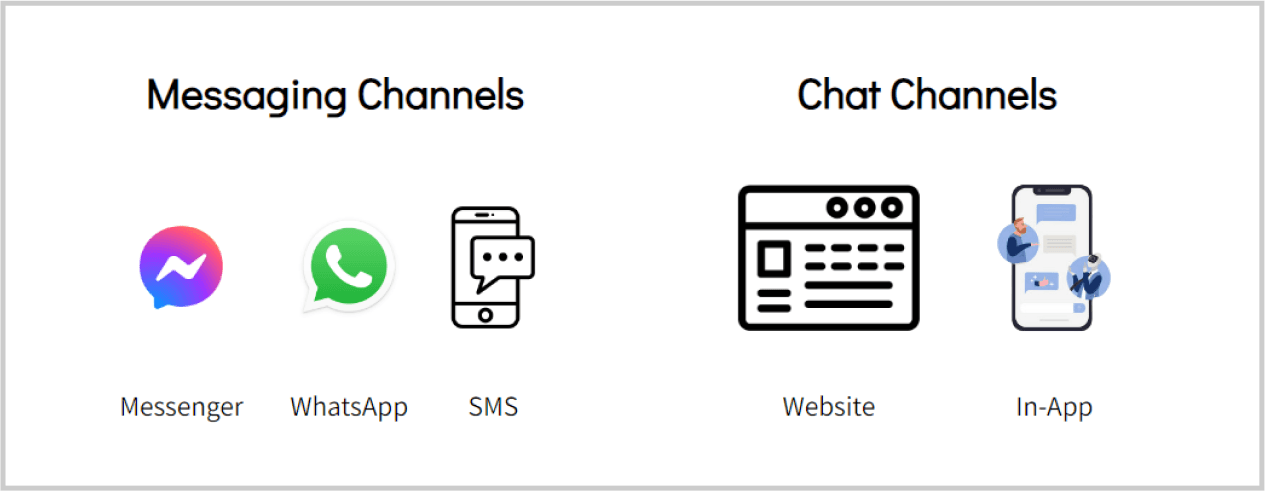
Chatbots are available to customers around-the-clock on their preferred communication channels, wherever they are:
Chatbots can reduce the amount of work support agents do and free them from doing repetitive tasks. Requests like “What is the status of my support ticket” or “I am not able to log in” can easily be answered/processed by a chatbot without involving a human.
Reach out to us for a quick chat: Salesforce Einstein Chat BOT
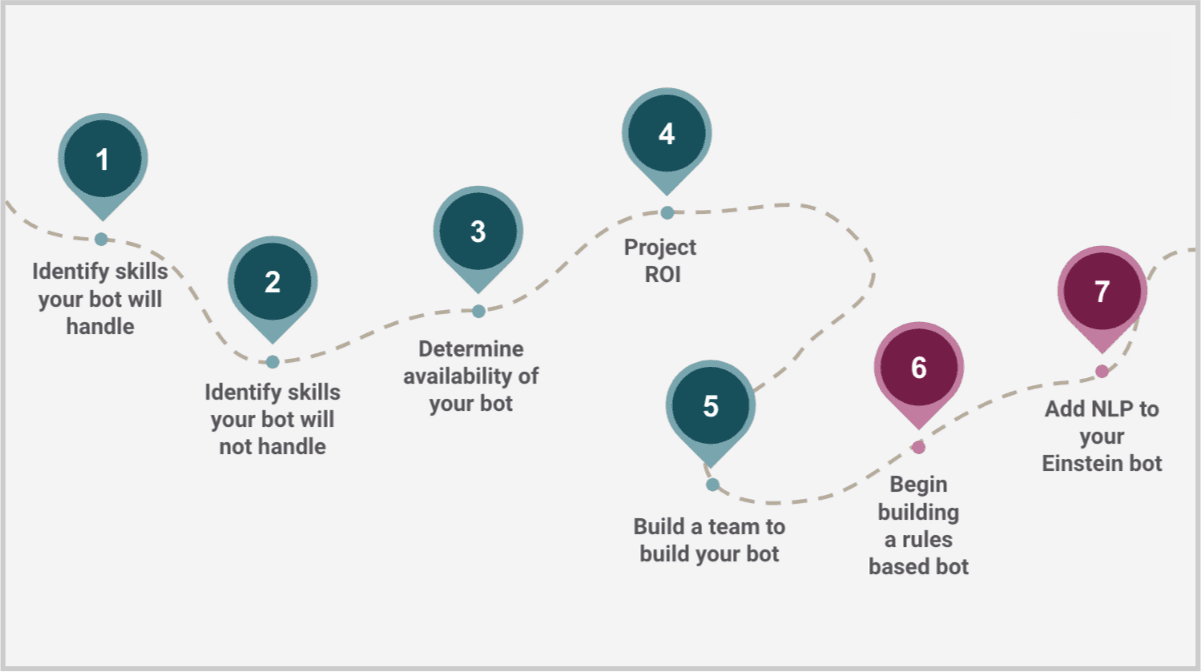
This is where you pick the appropriate use cases you want to handle and automate using a Bot.
Start by identifying the top intent your customers might have when they are on a website page/landing page/community page / App. For example, to get help with login issues, to ask general questions, to know the status of order, etc.
It’s crucial to define who your stakeholders are and the role each one will play in developing and maintaining the bot.
Now it’s time to decide which type of bot is best suited for your business needs.
Menu-based Bots: These are easy to set up and allow users to choose from several options, presented in the form of menus or buttons. Useful to increase conversions, engagement, and lead generation.
AI-Powered Bots: These types of Bots are trained to have human-like conversations using a process known as natural language processing (NLP). AI-Powered Bots learn from your customer’s input, understand context & respond accordingly. The chatbot continuously learns & improves to provide the most accurate answer every time.
Hybrid Bots: You can create a blended experience with Hybrid Bots which use menu-based methods and NLP methods as and when required.
A chatbot flow is a structure that determines how a chatbot conversation will take place called “conversation design”, taking into account the questions your chatbot would ask and the various replies that a user could provide.
You can create a chatbot conversation flow diagram using tools like draw.io, whimsical, etc.
First, create a high-level chatbot flow diagram. For example,
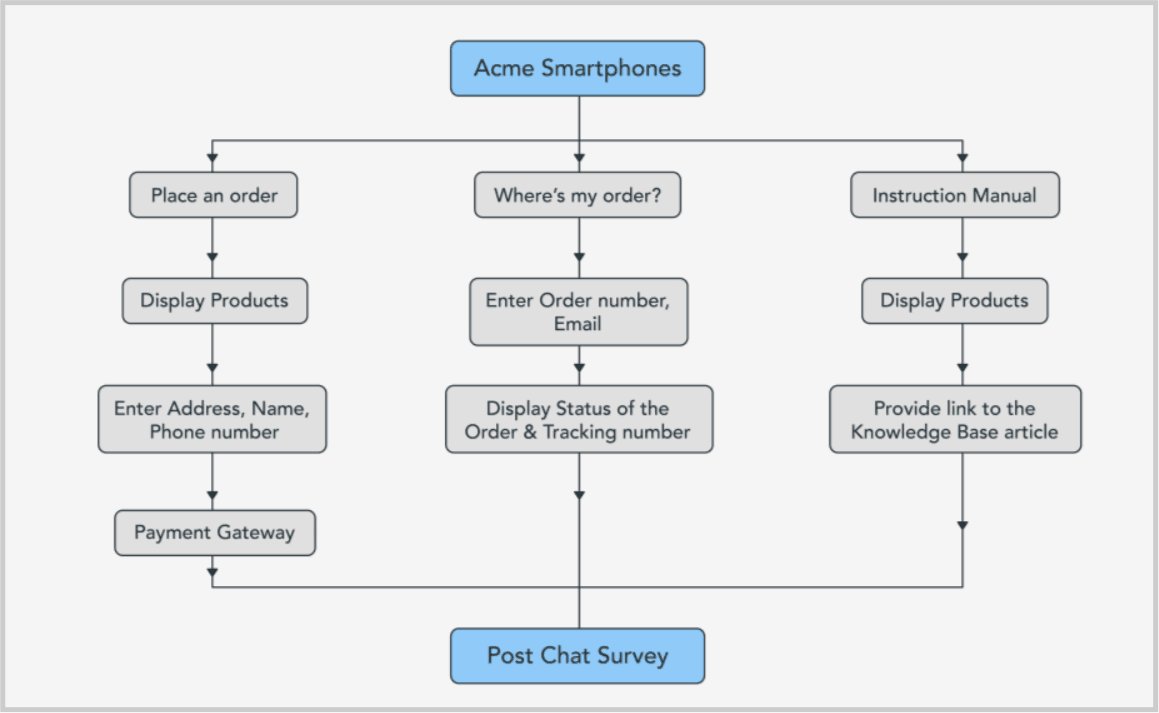
Knowing the primary objectives of your Conversational Interface is an essential first step. Discuss with stakeholders and create a final conversation flow diagram which will have a final bot-message text copy (maintaining the brand tone) that will be shown to the user during chat conversation and actions that need to be performed in the background e.g. Create new lead or case, update a lead record, fetch case information by performing a search in Salesforce CRM. For example,
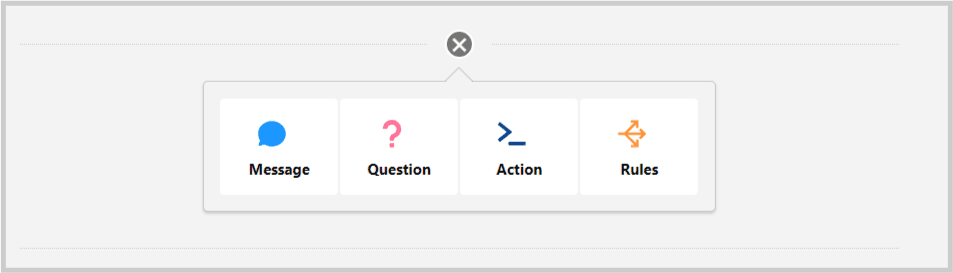
Display a message to your customer. You can also use merge syntax to display collected information to your customer. For example, “Your order number is {!variableName} or use dot notation to access properties in variable of type Object “Your email is {!variableName.email}.
Ask your customers a question and save the answer in the variable
Perform action on your data such as update or get data and store it in your variable
Perform the following specific actions:
Entities store the type of data that you want to store
Extend Bot capabilities with – Apex Among all of the action types, Apex has the broadest use cases. <Mention some use cases here> APIs Add an action from a registered external service in Bot Builder to allow your bot to send and receive data between Salesforce and external API providers. <Mention some use cases here> Einstein Intent You can make the bot smarter, and more conversational using Natural Language Processing (NLP). You can start building your intent model. Intent models are made up of multiple intents, which have many utterances assigned to each intent. <Mention some use cases here> Read our blog – Best practices for building Einstein Bot for the best practices
Examining the historical chat transcripts will tell you if your chatbot needs natural language processing (NLP). If visitors are opting to free text their concerns instead of selecting pre-planned menu options, then it’s important to add NLP in your chatbot.
You have to provide example sentences, known as “utterances”, to the bot and categorize these sentences with a label, known as “intent”.
We recommend keeping the list to three KPIs to start
You are ready to launch Einstein Bot into production once your conversational flows have been developed and extensively tested.
However, the project is not yet complete. Instead, this marks the beginning of a brand-new phase: dialogue analysis! Knowing how your chatbot is operating will help you determine whether your design decisions were sound or whether there is room for improvement.
Now that you have learned about the power of the Einstein Bot, it’s time to get started!
Start your Salesforce Einstein Bot journey and enhance your customer’s experience, increase the efficiency of your customer service with the 24/7 availability, scalability (processes hundreds of concurrent requests at once) and affordability of chatbots which can save your time and money.
Thinqloud is a trusted Salesforce partner. Learn more about us here to see how we can help you.
Reach out to us for a quick chat: Salesforce Einstein Chat BOT